

Scheduling posts
Schedule posts for later and retry failed ones
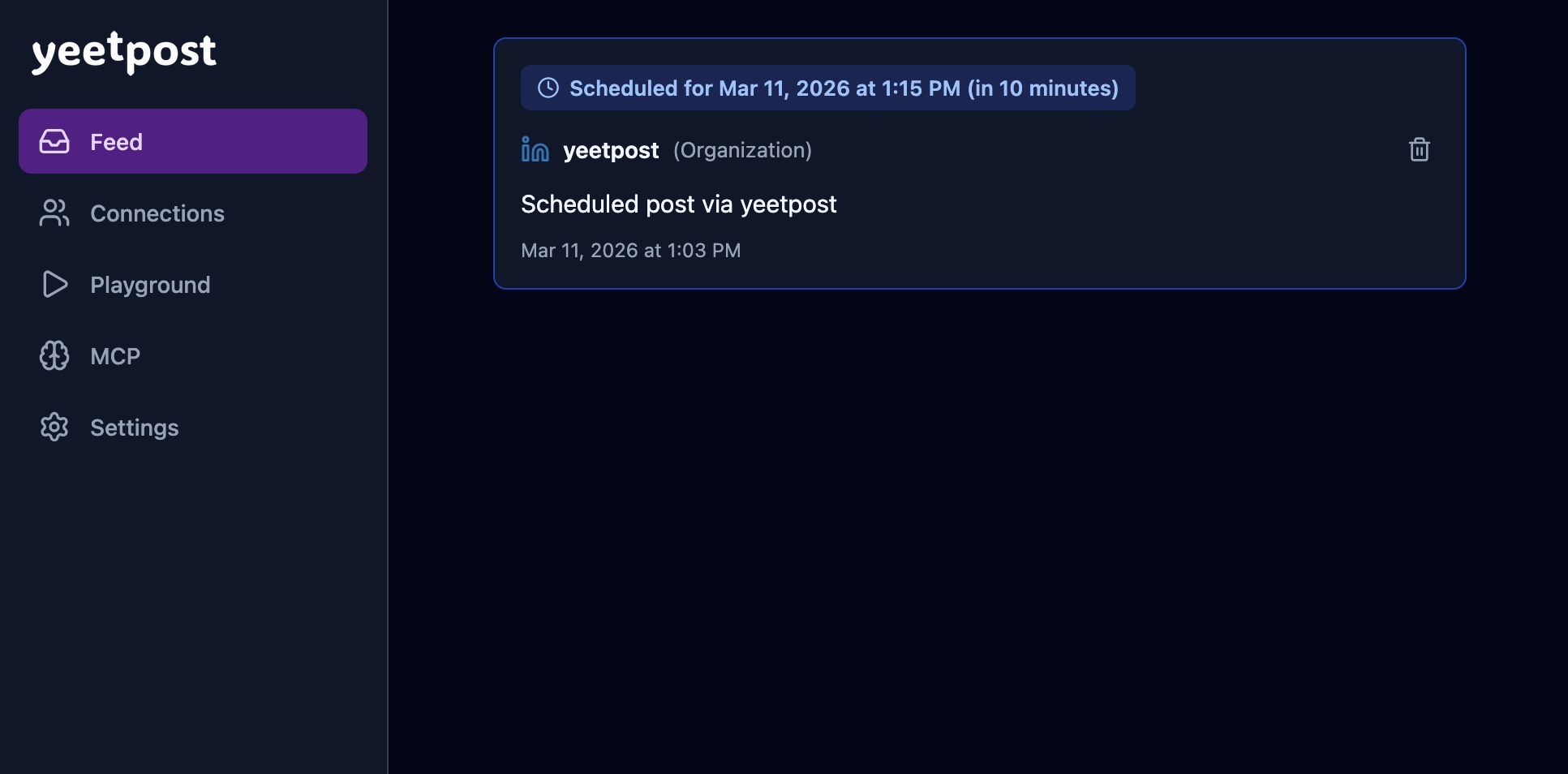
The post in that picture really was scheduled from yeetpost. See it live on LinkedIn.
You can now schedule posts to go out at a specific time. Whether you're planning content ahead or posting when your audience is most active, scheduling makes it easy.
How it works
Add the scheduled_for query parameter with an ISO 8601 timestamp:
curl -X POST "https://api.yeetpost.com/api/v2/post/linkedin?scheduled_for=2025-03-15T09:00:00Z" \
  -H "x-api-key: <your-api-key>" \
  -d 'Announcing our new feature!'
The timestamp must be in the future. Your post will be published automatically at the scheduled time.
See the API reference for more details.
Retry failed posts
Sometimes posts fail - maybe you hit a rate limit or the platform had an issue. You can now retry failed posts directly from the dashboard.
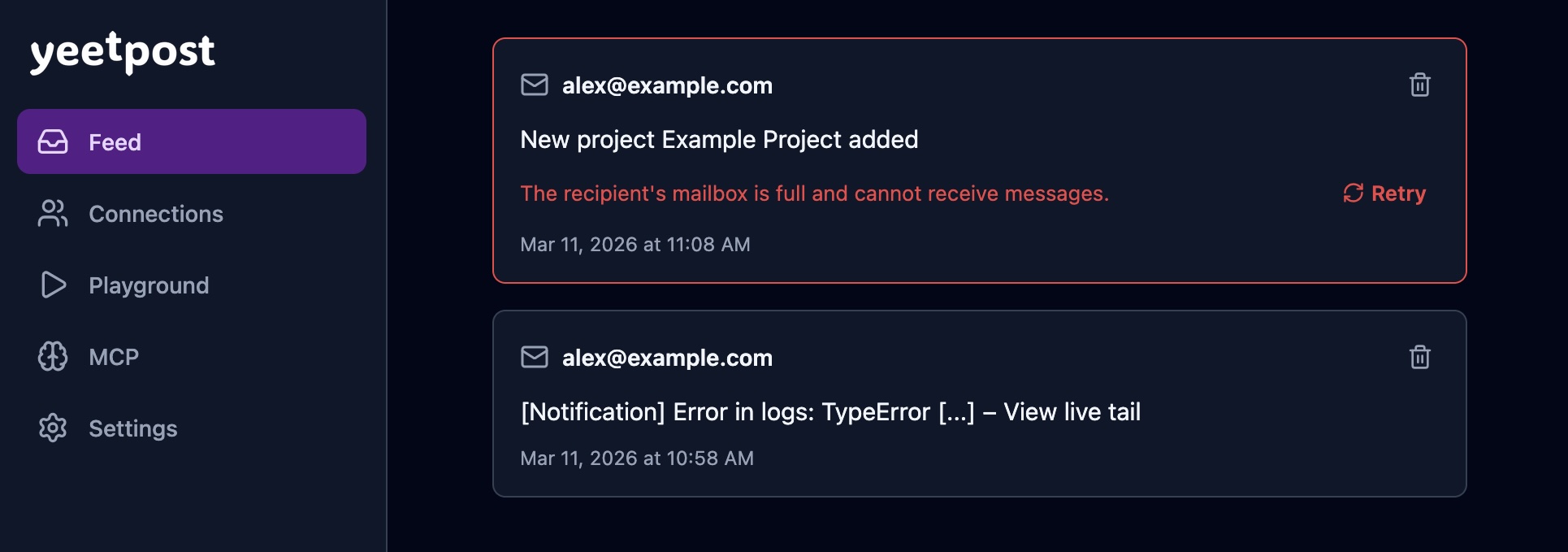
Head to your posts, find the failed post, and click retry. The post will be queued again with the same content.
Keep reading
- Introducing yeetpost CLIPost to your connected accounts directly from your terminal
- Post from Claude Code in 90 secondsExport a key, add the server, and let Claude post to your accounts. A walkthrough with the five MCP tools and the results they hand back.
- A safe CI for social posting: the sandbox and test keysTest keys, sandbox connections, [fail] error paths and test-mode webhooks, wired into a GitHub Actions job that posts on every PR and publishes on tag.
Post from your code today
Two accounts are free and need no credit card. Your first post can go to the sandbox connection, which takes it and publishes nothing.